
🔮 #BlessingSeries Issue 45 - From Design to Code in One Flow
How AI is quietly reshaping my UX workflow with Claude

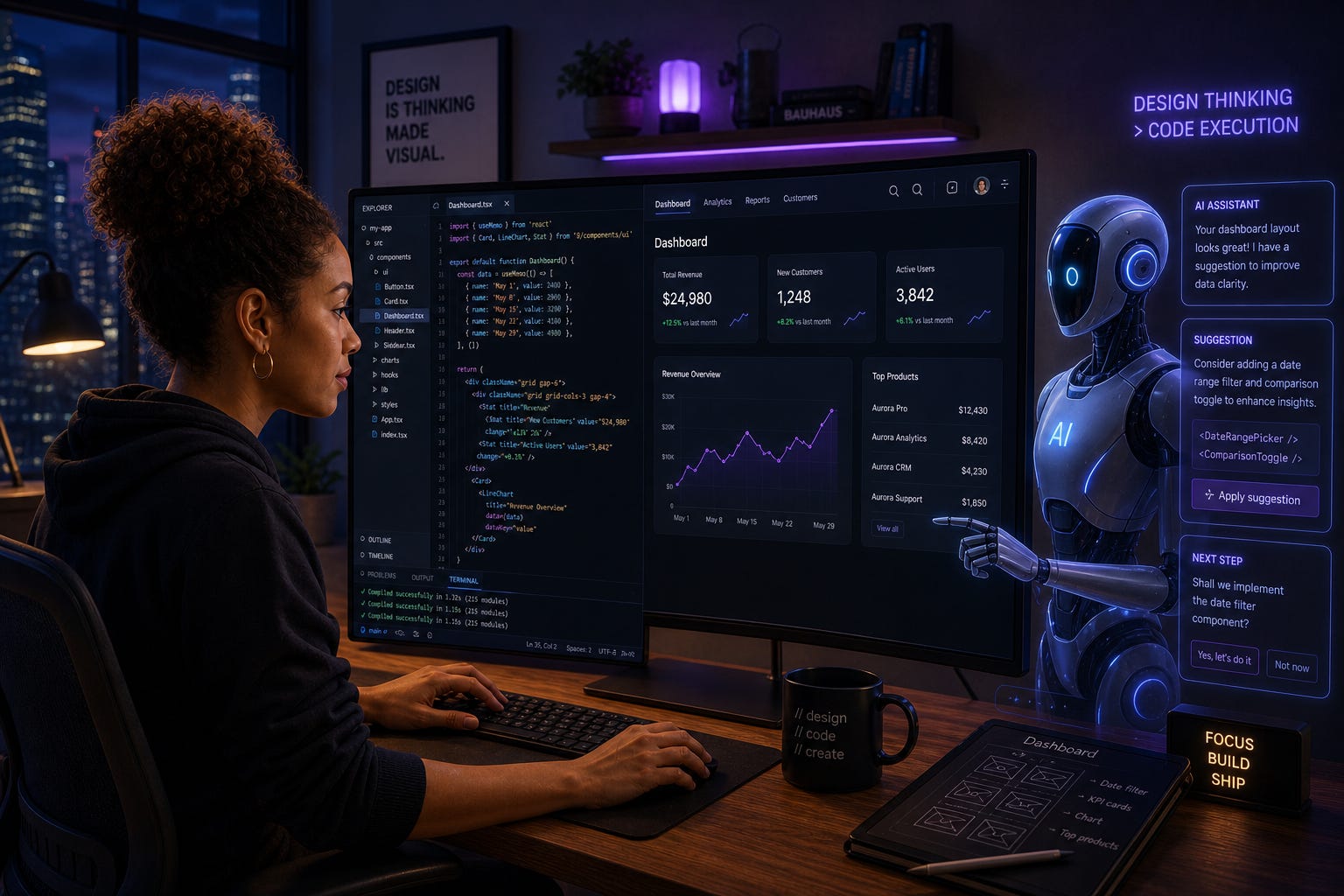
A few months ago, I found myself working in a way that felt very different from how I used to design.
I would normally start in Figma, think through layouts, document flows, and then either hand things off to development or switch context to code. That separation had always been part of the process.
But recently, that changed.
I started exploring Claude more deeply, especially Claude Code through the terminal, alongside Claude Design and Claude Write. At first, it felt like just another AI tool, but the more I used it, the more I realized something fundamental had shifted.
I was no longer moving between tools in a fragmented way.
I was designing and building at the same time.
Claude Code, for example, is not just a chatbot that answers questions. It is an agentic coding assistant that lives in your terminal, understands your entire codebase, and can plan, edit files, run commands, and implement features based on natural language instructions.
That means instead of writing code line by line, you describe what you want, and the system works through the steps to achieve it.
The Workflow Shift I Experienced
My workflow started to feel more like a conversation than a sequence of tasks.
I could think about a user flow, describe it, and immediately translate that thinking into working code. I could refine logic while still considering user experience instead of treating them as separate phases.
Claude Design allowed me to quickly generate prototypes and visual ideas, while Claude Write helped structure documentation and thinking. Together, they created a loop where ideas now move faster from concept to execution.
This is not just efficiency.
It is a new way of working.
An Example That Confirms This Shift
This experience is not isolated.
I have found that entire systems can now be built through prompt-driven workflows where the human defines the intent and the AI handles the technical implementation. Using tools like Claude Code, my analysis confirms that the traditional manual coding process is being replaced by high-level architectural guidance.
These days, people can develop even a full terminal interface framework in approximately ten hours purely through iterative prompting. Instead of writing individual lines of code, one can set up a workflow where the designer or developer describes the desired behavior and the AI executes the implementation across dozens of files simultaneously. This shows that we are moving toward a model where:
Humans define the “what”
AI executes the “how”
What This Means for UX Design
This shift is especially important for designers.
For a long time, UX design and development have lived in separate worlds. Designers focused on experience, while developers handled implementation.
Now, that boundary is dissolving.
When designers can directly shape code through natural language, they gain more control over the final product. They can test ideas faster, iterate more freely, and ensure that what gets built truly reflects the intended experience.
However, this also comes with responsibility.
Speed can easily replace depth if we are not careful.
The role of the designer is not disappearing. It is evolving.
Final Reflection
As I reflect on this new way of working, one thing stands out clearly.
AI is not just helping us work faster; it is changing how we think, how we build, and how we connect ideas to reality.
For me, Claude has not just improved my workflow; it makes it feel more fluid, more connected, and more human.
And that is a shift worth paying attention to.
#BlessingSeries #Technology #UXDesign #ArtificialIntelligence #ClaudeAI #ProductDesign #HumanCenteredDesign #AIDesign #FutureOfWork