
UX Lessons from NASA: Designing Interfaces for High-Stakes Environments
When the stakes are high, failure isn’t just inconvenient, it can be catastrophic. A poorly designed interface in a spacecraft can jeopardize a mission. In a hospital, it could affect patient outcomes

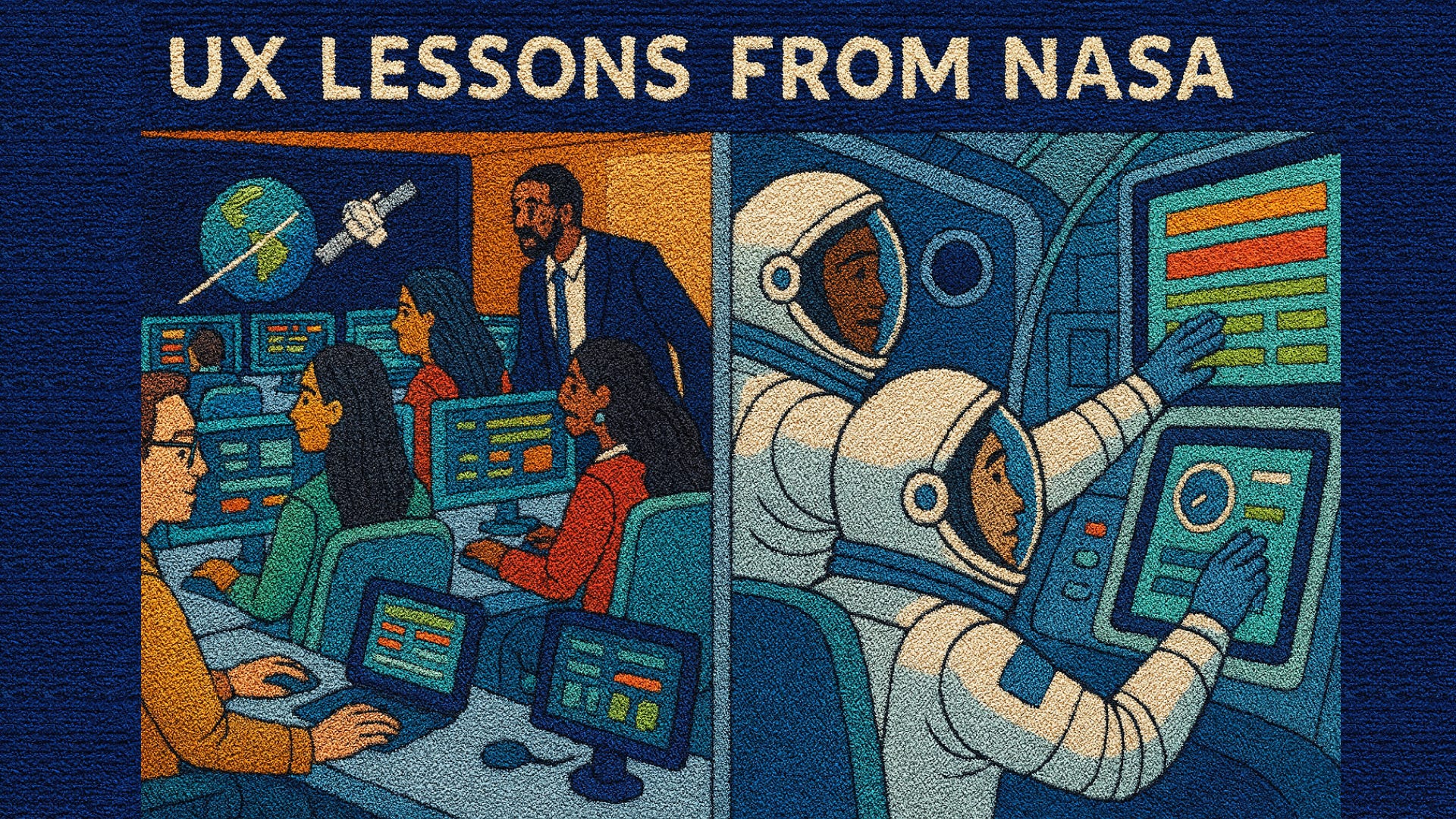
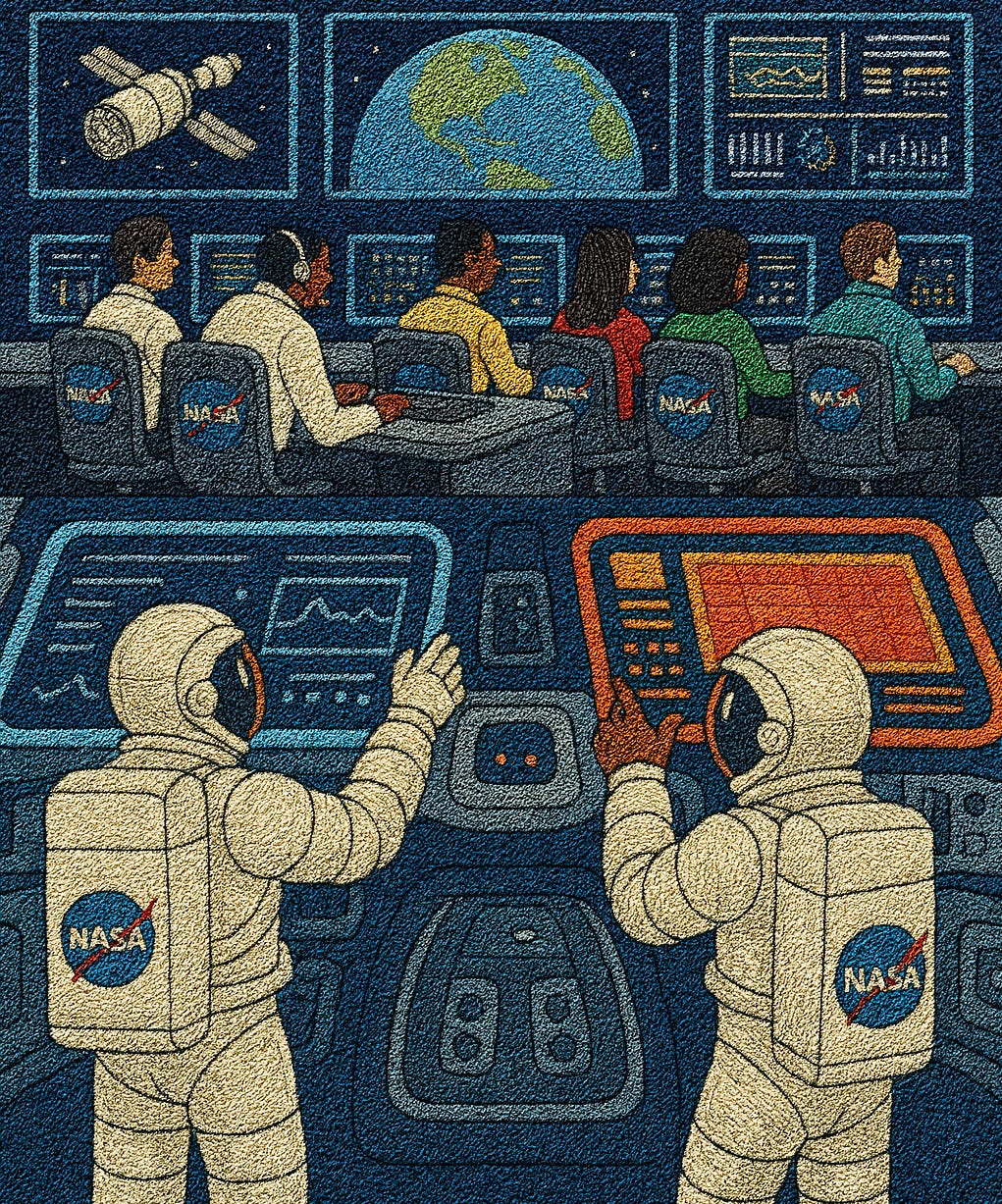
Just picture this in your mind: a control room filled with quiet intensity. Rows of engineers sit in front of glowing screens, their eyes fixed on streams of data. Somewhere far away, hundreds of miles above Earth, astronauts rely on these very interfaces to guide critical maneuvers. There is “no undo” button here, “no second chance”. Every click, every alert, every visual signal must be precisely designed for clarity under pressure.
This isn’t a scene from a movie. It’s the daily reality at NASA - National Aeronautics and Space Administration and other organizations where high-stakes environments demand interfaces that are error-proof, intuitive, and trustworthy.
While most of us aren’t designing software for space shuttles, the lessons from NASA’s UX approach ripple far beyond aerospace. They apply to healthcare systems, emergency response apps, fintech platforms, and even consumer tools where clarity can mean the difference between confusion and confidence.
Why UX in High-Stakes Environments Matters
When the stakes are high, failure isn’t just inconvenient, it can be catastrophic. A poorly designed interface in a spacecraft can jeopardize a mission. In a hospital, it could affect patient outcomes.
According to Nielsen Norman Group‘s research on cognitive load, minimizing the mental processing power needed to use an interface helps users find content and complete tasks more easily, especially critical in high-stress situations.
NASA, with its decades of human-computer interaction research, offers a goldmine of UX lessons.
Case Study 1: NASA’s Apollo Program – The Power of Simplicity
During the Apollo missions, astronauts had to manage complex navigation and control tasks with limited computing power. The Apollo Guidance Computer (AGC) featured one of the earliest user interfaces designed for non-engineers. The AGC is arguably the most successful early digital interface. Its design provides powerful lessons for modern UX as discussed below:
Priority over Aesthetics: The Display/Keyboard (DSKY) was purely functional. Its numeric two-line display stripped away all potential visual clutter, forcing the users focus onto the exact required numerical input or output. In a crisis, this lack of distraction is a life-saving feature. Limited screen space forced designers to prioritize only essential information.
The Grammar of Action: The Verb-Noun structure is an early form of a structured programming language for non-programmers. There are the two-line display and verb-noun commands. Astronauts entered commands in simple pairs (e.g., “Verb 06 Noun 33” to display data). This minimized errors and made interactions consistent. It established a clear mental model. For example, I want to perform this action (Verb) on this piece of data (Noun). This consistency minimized error rates even when astronauts had to enter a long sequence of codes quickly.
Designing for Catastrophe (Human Factors): The entire system was a masterclass in human factors engineering. The DSKYs keyboard featured large, widely spaced buttons to accommodate gloved hands. The use of a simple, repetitive command structure ensured that even under the extreme stress of, say, the final moments of a lunar landing, the necessary procedures could be executed flawlessly based on muscle memory.
Simplicity as Reliability: By keeping the interface and the underlying computer simple, designers minimized the potential for bugs and system overload, making the AGC extremely reliable. This is a crucial design constraint when there is no undo button in deep space.
Training and usability hand-in-hand: Interfaces were designed in tandem with astronaut training, reinforcing ease of recall under stress.
Lesson: In high-stakes UX, simplicity and consistency are more valuable than endless features.
Case Study 2: NASA Johnson Space Center – Human Factors Lab and The Science of Error Reduction
Fast forward to modern times: at the NASA Johnson Space Center, the Human Factors Lab plays a critical role in ensuring astronaut interfaces are safe and usable.
Virtual reality testing: Astronauts train in VR mockups of spacecraft interfaces to validate usability before deployment.
Cognitive workload studies: Eye-tracking and physiological sensors measure stress levels during simulated tasks.
Iterative testing: Interfaces are refined repeatedly based on astronaut feedback until tasks can be performed with near-zero errors.
NASA’s Human Factors work, often housed within the Human Research Program (HRP), is the ultimate form of UX design, focused on preventing Design-Induced Error (DIE) in an environment where mistakes can be catastrophic.
1. The Human-in-the-Loop (HITL) Imperative: HITL evaluations are the gold standard of usability testing, involving user-representative participants (astronauts) performing planned tasks with high-fidelity mockups or simulations. The goals are:
Effectiveness: Can the human complete the task?
Efficiency: How long does the task take?
Acceptability: Is the interface usable and comfortable (measured by scales like the NASA Modified System Usability Scale (NMSUS))?
Safety: Does the design prevent catastrophic errors?
2. VR as a Cost-Effective Prototyping Tool: VR and AR systems have become essential in the early stages of the design life cycle because they:
Simulate Microgravity: They allow designers to quickly and safely assess how a crew members reach, body positioning, and movement might affect interaction with a control panel or workstation in a zero-g environment, something physical mockups cannot easily replicate.
Rapid Iteration: Engineers can pull CAD models into a virtual environment, allowing for rapid design changes and immediate astronaut feedback without the enormous cost and time required to build new physical prototypes.
3. Mitigating Long-Duration Stress: The design principles address stressors unique to long-duration spaceflight (e.g., isolation, confinement, sleep loss, and fatigue):
Workload Management: By objectively measuring CWL (cognitive workload) with EEG and eye-tracking, designers ensure tasks are neither too demanding (leading to overload and burnout) nor too simple (leading to underload, boredom, and complacency). This balance is critical for maintaining Situation Awareness over missions lasting months or years.
Error Prevention: The ultimate objective is to design systems that are error-tolerant and prevent the user from making critical mistakes in the first place, ensuring that human capabilities and limitations are accounted for in every display, control, and procedure.
Lesson: Real-world testing under realistic stress conditions ensures that interfaces hold up not just in labs, but in the environments where they’re truly needed.
Case Study 3: NASA + SpaceX – Collaboration on Crew Dragon Interfaces (The UX of Automation and Trust)
When NASA partnered with SpaceX for the Crew Dragon spacecraft, the design team faced a unique UX challenge: replacing hundreds of switches and knobs with touchscreen displays. The Crew Dragon interface is a landmark moment in UX history, representing a major shift from mechanical to fully digital cockpits with the following:
Touchscreen calibration for gloves: Interfaces were tested to ensure responsiveness for astronauts wearing bulky space gloves.
Minimalist design: Only mission-critical data is visible; secondary information is tucked away but accessible.
Error prevention: Large buttons and confirmation prompts reduce the risk of accidental taps in microgravity.
Automation as the Primary User: The spacecraft is highly autonomous, meaning the primary design job was creating an interface for the human to monitor and supervise the computer, rather than constantly fly the vehicle. This simplifies the pilot’s role considerably.
Tactile Feedback Challenge: The key technical and UX challenge was overcoming the lack of tactile feedback inherent in touchscreens, especially when users wear bulky gloves. This required extensive human-in-the-loop (HITL) testing with the astronauts, refining the size of virtual buttons, the necessary contact area (for gloves), and the visual and auditory feedback to confirm a successful action.
Design-by-Iteration: The UI/UX was developed entirely in-house by SpaceX designers who worked closely with NASA astronauts for years, allowing for rapid iteration and adaptation based on immediate, high-stakes user feedback. This continuous refinement cycle is credited with making the final interface so well-regarded.
Astronauts reported that the interface felt intuitive, allowing them to “focus on the mission, not the machine.”
Lesson: High-stakes UX requires balancing cutting-edge technology with reliability and redundancy.
Case Study 4: Healthcare Parallels – EHR Systems
NASA’s UX lessons aren’t confined to space. A U.S. hospital system (let’s anonymize as HealthNet X) redesigned its electronic health record (EHR) interface inspired by aerospace principles:
The Human Factors/Aerospace Connection: The practice of applying lessons from aviation/aerospace to medical safety is called Human Factors Engineering in Healthcare, and it is crucial for reducing medical errors, which are often design-induced. This is supported by Braverman who stated that “by incorporating human factors principles into healthcare, professionals can better align the design of equipment, workflows, and environments with the capabilities and limitations of human operators. For instance, the complexity of modern medical devices often contributes to user errors”. The following are ideally applied for EHR systems:
Critical info first: Patient vitals displayed prominently at the top.
Consistent navigation: Similar actions always in the same place, reducing cognitive load.
Stress testing: Doctors simulated emergencies to ensure they could find critical data in under 10 seconds.
Post-redesign, clinicians reported reduced error rates and faster decision-making.
Lesson: Designing for life-or-death contexts, whether in orbit or in an ER requires the same UX principles.
Core UX Principles for High-Stakes Environments
From these stories, a set of transferable UX principles emerge:
Prioritize Essential Information – Show the most critical data upfront; everything else is secondary.
Design for Consistency – Predictable layouts help users act quickly under stress.
Reduce Cognitive Load – Simple commands, chunked tasks, and progressive disclosure keep interfaces usable.
Test Under Stress – Simulations with real users in realistic conditions are essential.
Error Prevention Over Error Recovery – Safeguards, confirmation prompts, and redundancy prevent catastrophic mistakes.
Design for Context – Whether gloves in space, masks in hospitals, or gloves in a factory, interfaces must fit their environment.
Why This Matters Beyond NASA
These lessons apply to countless industries:
Finance: Designing trading dashboards where seconds mean millions.
Transportation: Air traffic control systems that must prevent miscommunication.
Public Safety: Emergency response apps guiding firefighters or medics.
High-stakes UX isn’t about aesthetics, it’s about trust, clarity, and human resilience.
Conclusions
From the Apollo Guidance Computer to modern Crew Dragon touchscreens, NASA has shown that UX in high-stakes environments must prioritize clarity, consistency, and usability under pressure.
For designers everywhere, the challenge is the same: Can users make the right decision, quickly, under stress?
That’s the ultimate test of UX.
If you’re building products where stakes are high; whether for healthcare, finance, aerospace, or safety, ask yourself:
Have you tested your design under real-world stress?
Is your interface clear enough to guide users in their most pressured moments?
Because in high-stakes UX, clarity saves missions, and sometimes, even lives.
“Writing here is my way of connecting, teaching, and learning with you. If you’d like to help sustain this space, consider supporting the work here. It truly means so much to me.”
References
NASA Astronauts revealed Life Inside SpaceX Dragon Interior BETTER than Russian Soyuz.
The Touchscreens Controlling SpaceX Dragon on its Historic Mission
#BlessingSeries #NASA #HighStakesUX #UXDesign #HumanCenteredDesign #InterfaceDesign
This is one of the best articles I've read about UX, I love it!